
Docs
Docs is an office suite in the browser: Sheets for spreadsheets, Writer for documents and Slides for presentations. Several people edit a document at once. Files from Microsoft Office and LibreOffice open as they looked there, and go back out in the same formats.
There is nothing to save: every change is kept straight away and recorded in the version history.
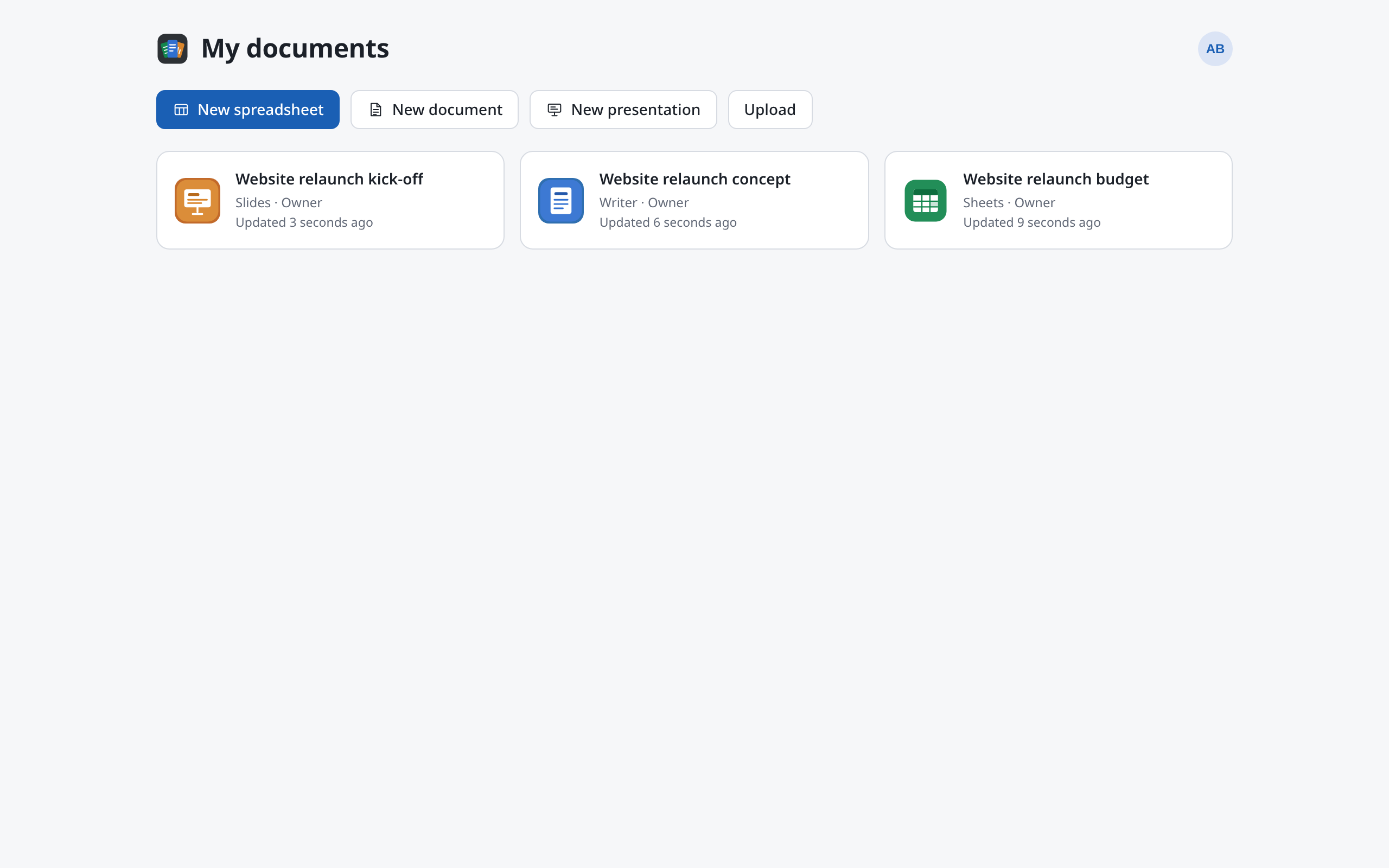
The apps
| App | Highlights | Opens | Saves |
|---|---|---|---|
| Sheets | About 500 functions, pivot tables, charts, conditional formatting, validation, slicers, sparklines, goal seek and solver, protection | xlsx, xlsm, ods, csv, tsv, txt | xlsx, ods, csv, PDF |
| Writer | Styles, lists, headers and footers, notes, tracked changes, contents and index, citations, equations, charts, mail merge, restrict editing | docx, dotx, odt | docx, odt, EPUB, PDF |
| Slides | Masters and layouts, animations and transitions, audio and video, charts, tables, notes, presenter view, a video of the show | pptx, potx, ppsx, pptm, odp, otp | pptx, odp, PDF, PNG, MP4 |
Macros are removed when a file is opened. What else happens on the way in and out is under File formats.
What's here
- Overview: make, upload, open and delete documents; your mentions; language and signing out.
- Sharing: with people or by link, as Can view, Can edit or Owner.
- Working together: the others' cursors, Follow, comments with
@mentions, what happens when the connection drops. - Version history: look at, name and restore earlier versions.
- File formats: opening, downloading, PDF, EPUB, pictures and video.
- Sheets, Writer and Slides: what's special about each app and where to find things.
- Checking: spelling and grammar, the dictionary, accessibility.
Different from Office
- No saving. There is no Save command. What you type is kept and the others see it. To get a file for Office, download one (see File formats).
- Undo is yours alone. ++Ctrl+Z++ takes back your own steps, never anyone else's.
- Menus, not a ribbon. Each app has a menu bar. In Sheets and Writer, Search commands… (++Ctrl+Shift+P++) finds any command by name.
- Formulas in your language. In Sheets you type function names in the language of the interface. The file holds them the way Excel expects.
In this section
- OverviewMake, upload, open, rename and delete documents, see your mentions and choose the language.
- SharingShare a document with people or by link, change and withdraw access.
- Working togetherWork in the same document at the same time, follow others, comment and mention, and what happens when the connection drops.
- Version historyLook at earlier versions of a document, name versions, highlight changes and restore.
- File formatsOpen Office files, download as docx, xlsx, pptx, ODF, PDF, EPUB, pictures or video, and what gets lost on the way.
- SheetsSpreadsheets like Excel: functions in your language, command search, the menus and what's different.
- WriterWord processing like Word: styles, tracked changes, references, mail merge, restrict editing and word count.
- SlidesPresentations like PowerPoint: slide masters, animations and transitions, presenting with presenter view, and making a video.
- CheckingCheck spelling and grammar, add words to the dictionary and check documents for accessibility.