How can we help?
Guides for every Office app, with one account for all of them.
Apps and topics
 AccountsYour account: password, passkeys, two-factor, sessions.
 App passwords & devicesConnect your phone, Thunderbird, Outlook and sync programs.
 MailReading, writing, rules, out of office, forwarding.
 CalendarEvents, invitations, booking pages and finding a time.
 ContactsContacts, labels, companies and address books.
 MeetVideo meetings, guest links, waiting room and notes.
 BoxStore, share, sync and restore your files.
 DocsEdit spreadsheets, documents and presentations together.
 Questions & problemsWhen something doesn't work: syncing, signing in, mail, meetings.
Often looked for
- Make an app password for your phone or mail program
- Connect an iPhone, iPad or Mac
- Lost your authenticator?
- Sort mail automatically with rules
- Turn on an out-of-office reply
- Let people book time with you
- Find a time that suits everyone
- Let guests without an account join a meeting
- Share files with a public link
One account for everything
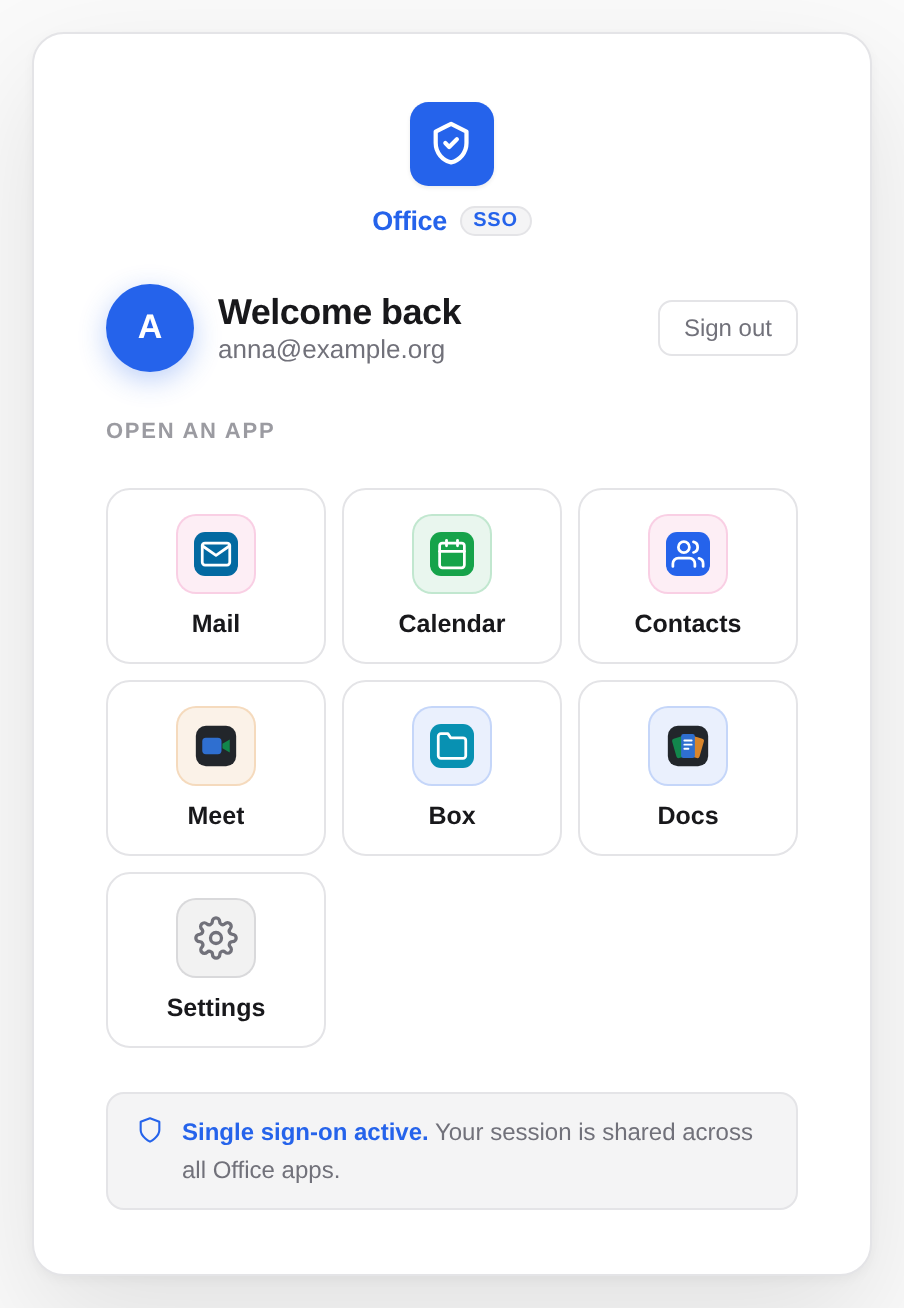
You sign in once at Accounts, the sign-in service of Office, and you are signed in to every app: Mail, Calendar, Contacts, Meet, Box and Docs. Switch app at the top of each app takes you to the next one without signing in again. Signing out in one app signs you out everywhere. More on signing in →
You set the language and the appearance (light or dark) in each app's account menu, at the bottom left or top right behind your name. More on language, appearance and notifications →